Explore
Dive into any folder.
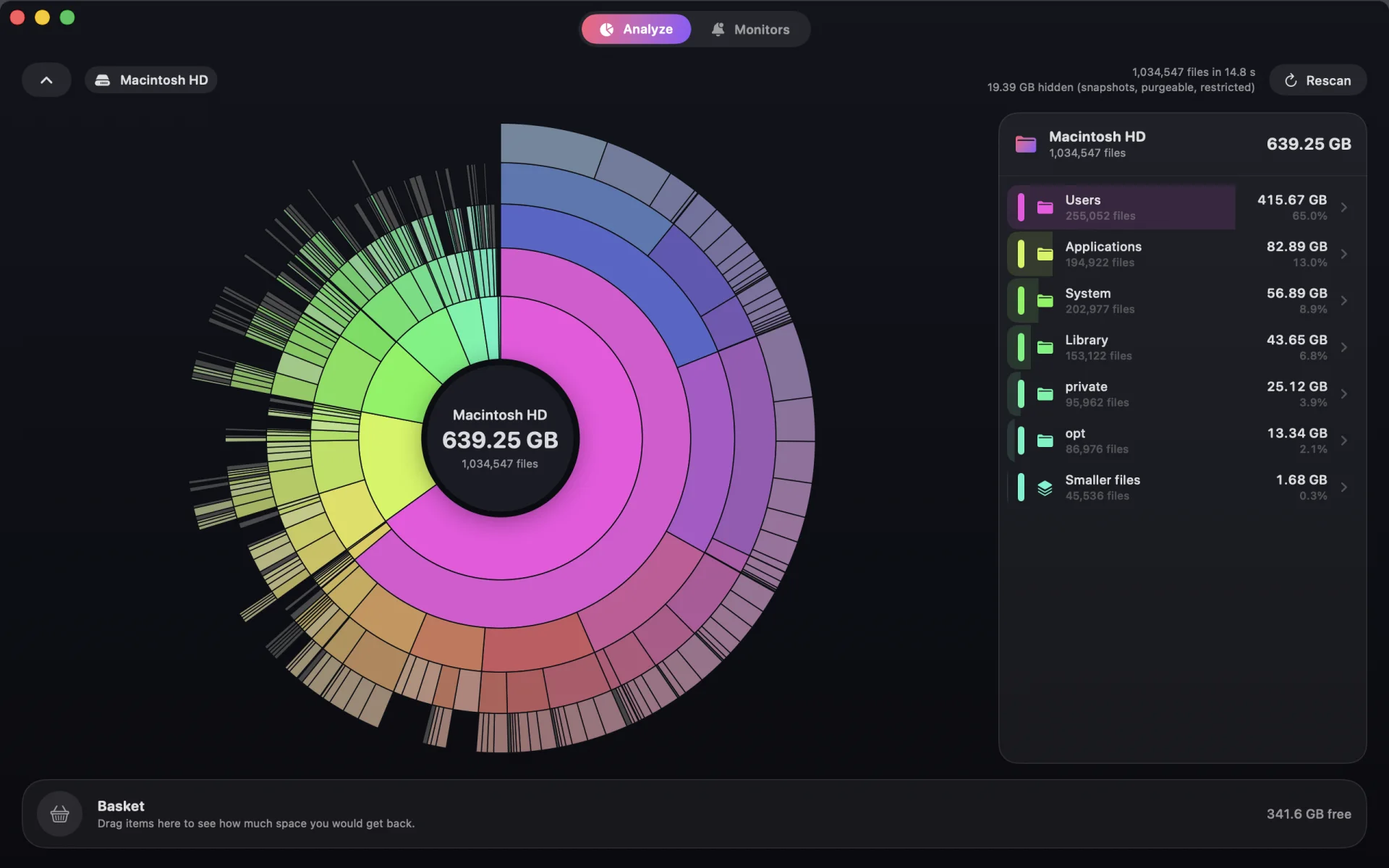
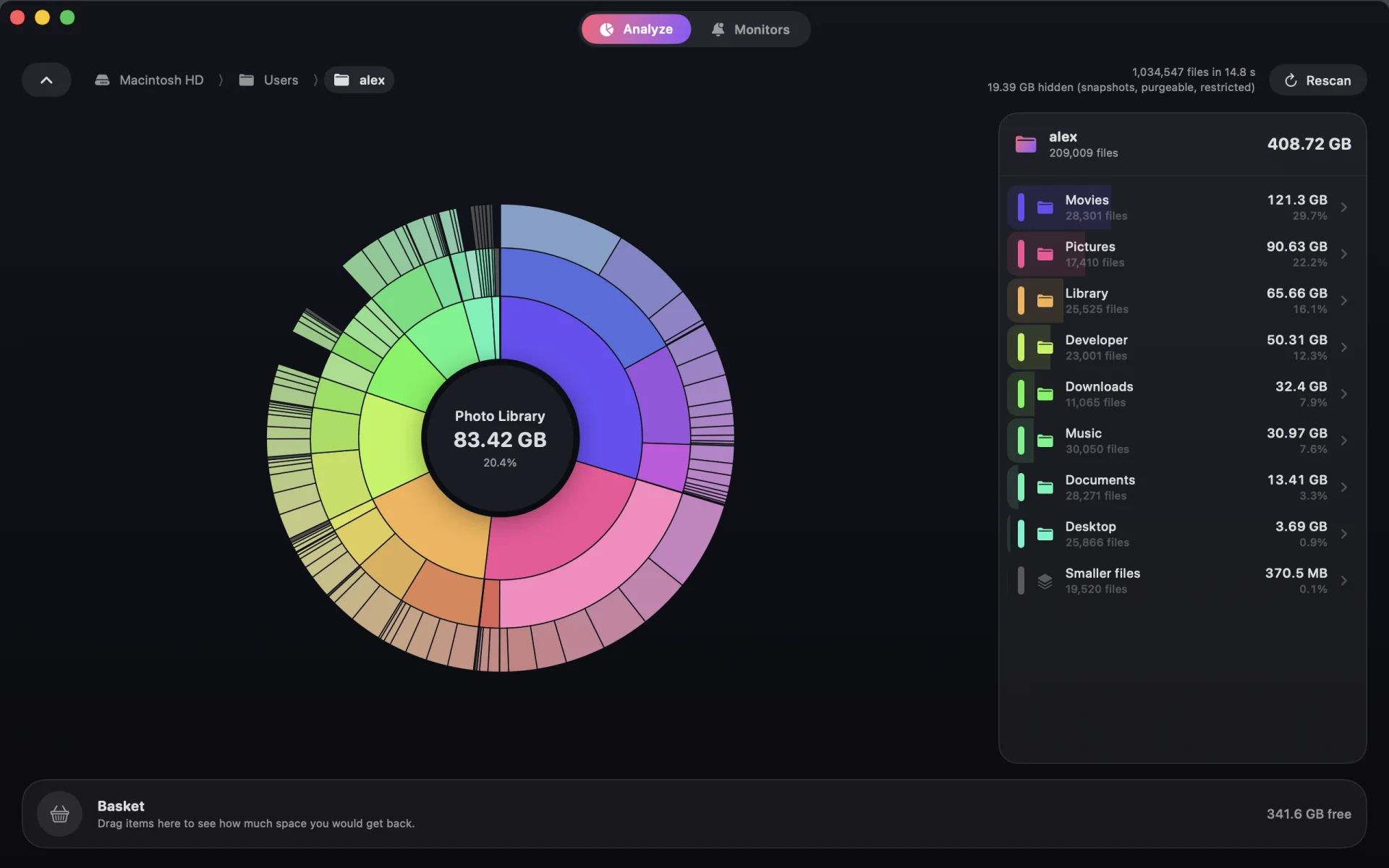
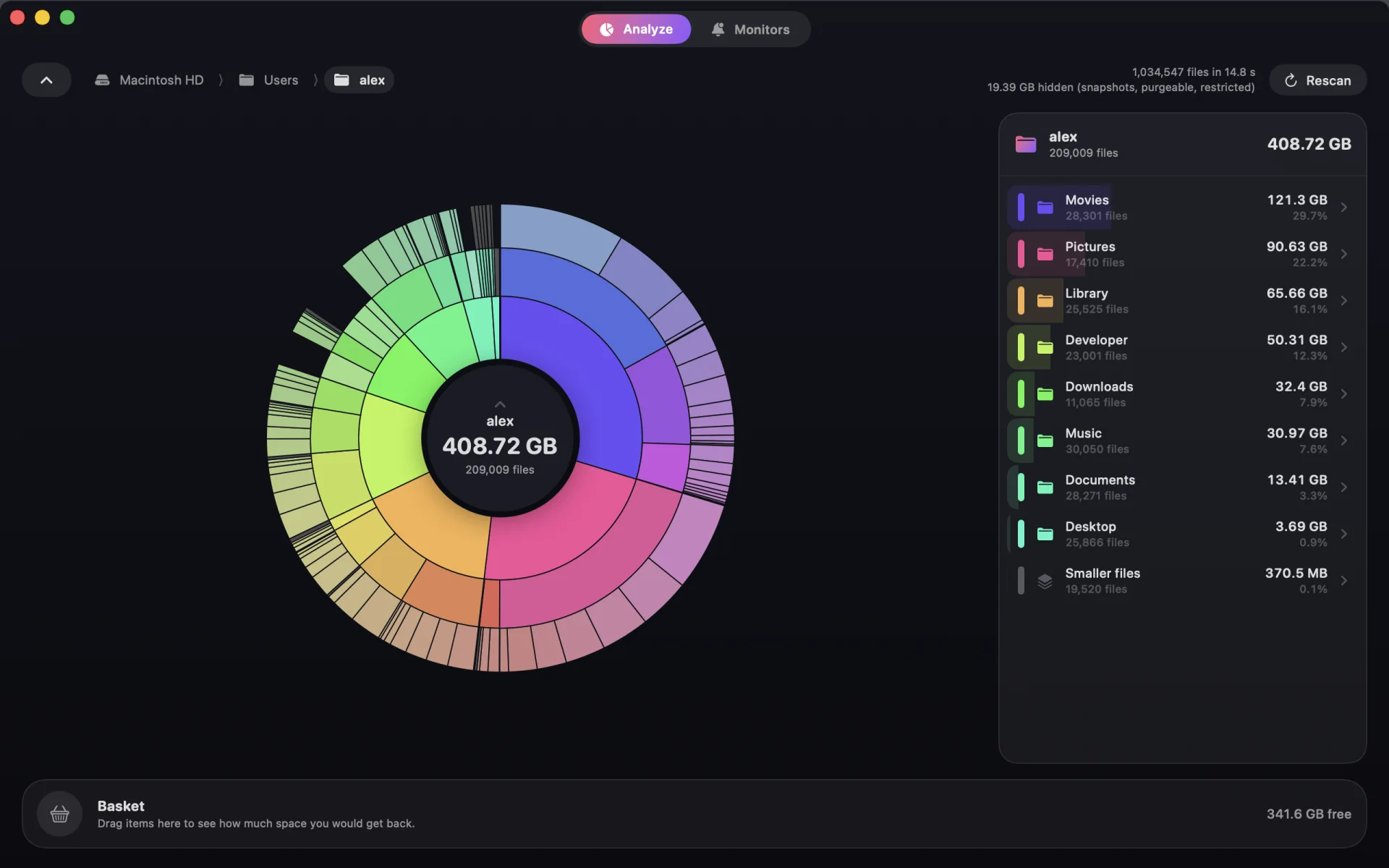
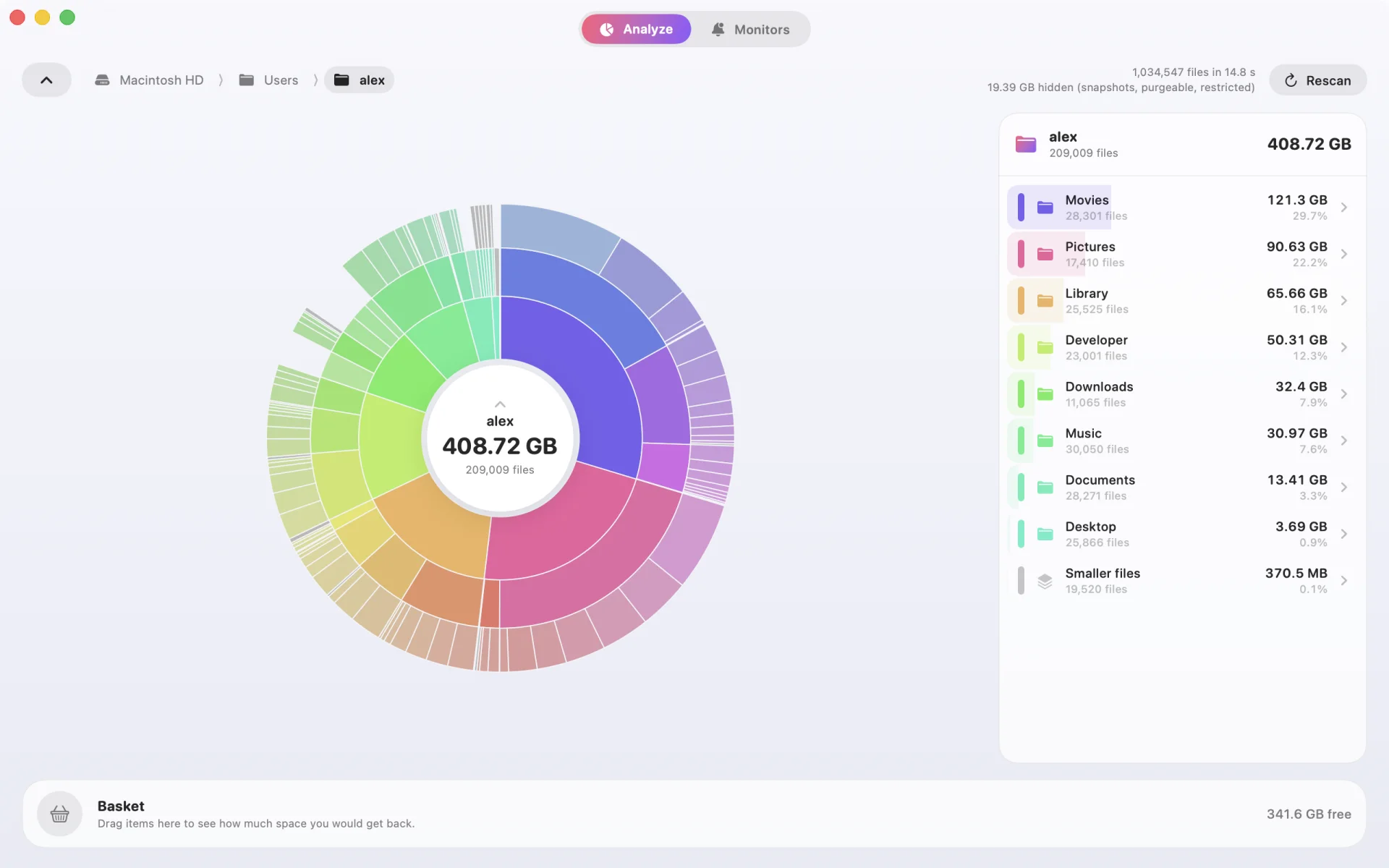
The biggest folders are the biggest slices, so the space hogs are obvious at a glance. Click a slice and the chart zooms in around it.
- Hover to see the size and share of anything
- A side list with exact sizes and file counts
- Reveal in Finder or copy the path with a right-click
Decide
Know what you’ll free before you delete.
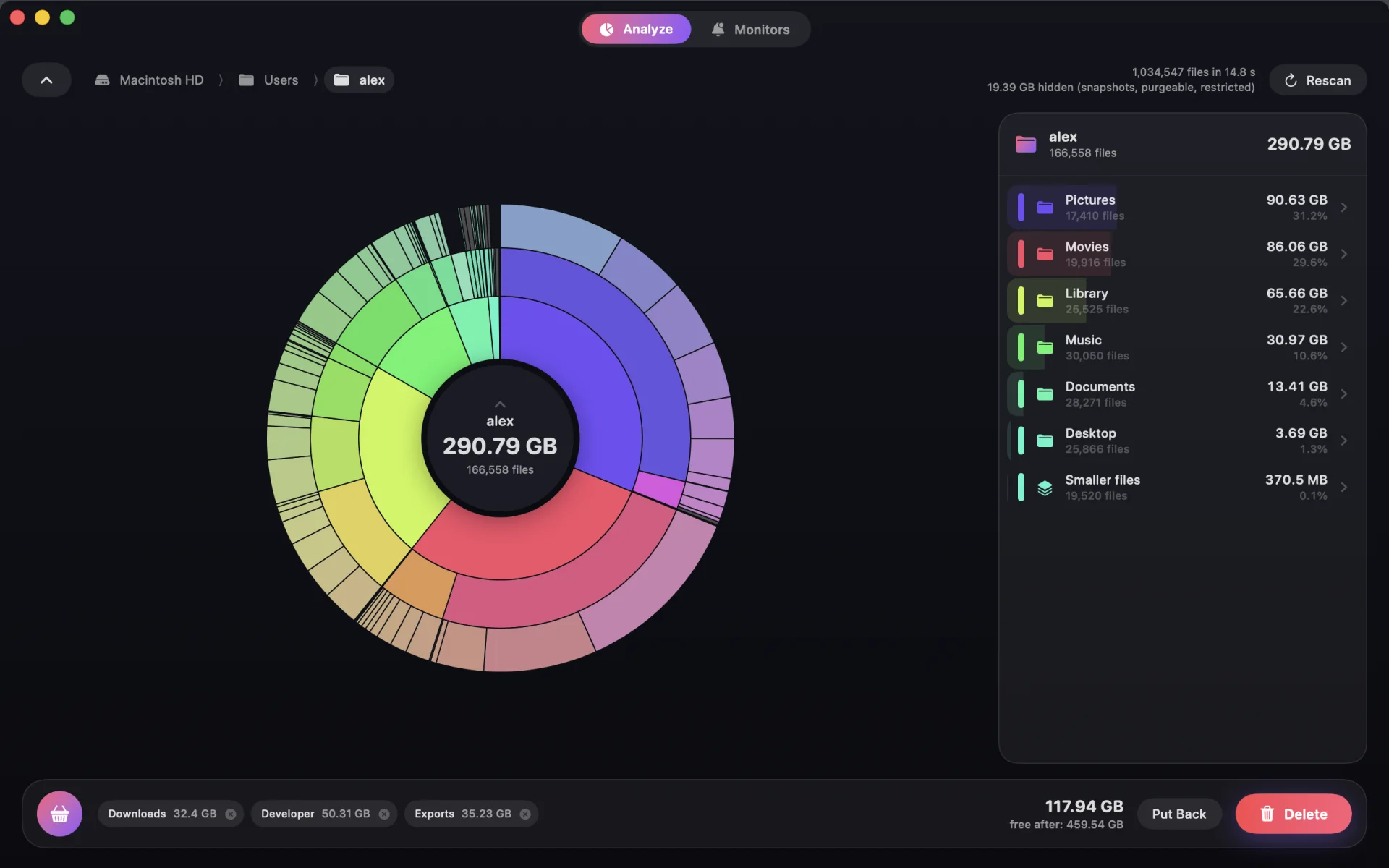
Drag folders into the Basket and watch the total add up. Nothing on disk is touched until you say so.
- See your free space “after” before committing
- Put items back with one click
- Delete for good, or move to the Trash to play it safe
- System locations are protected from deletion
Stay ahead
Get warned when folders grow.
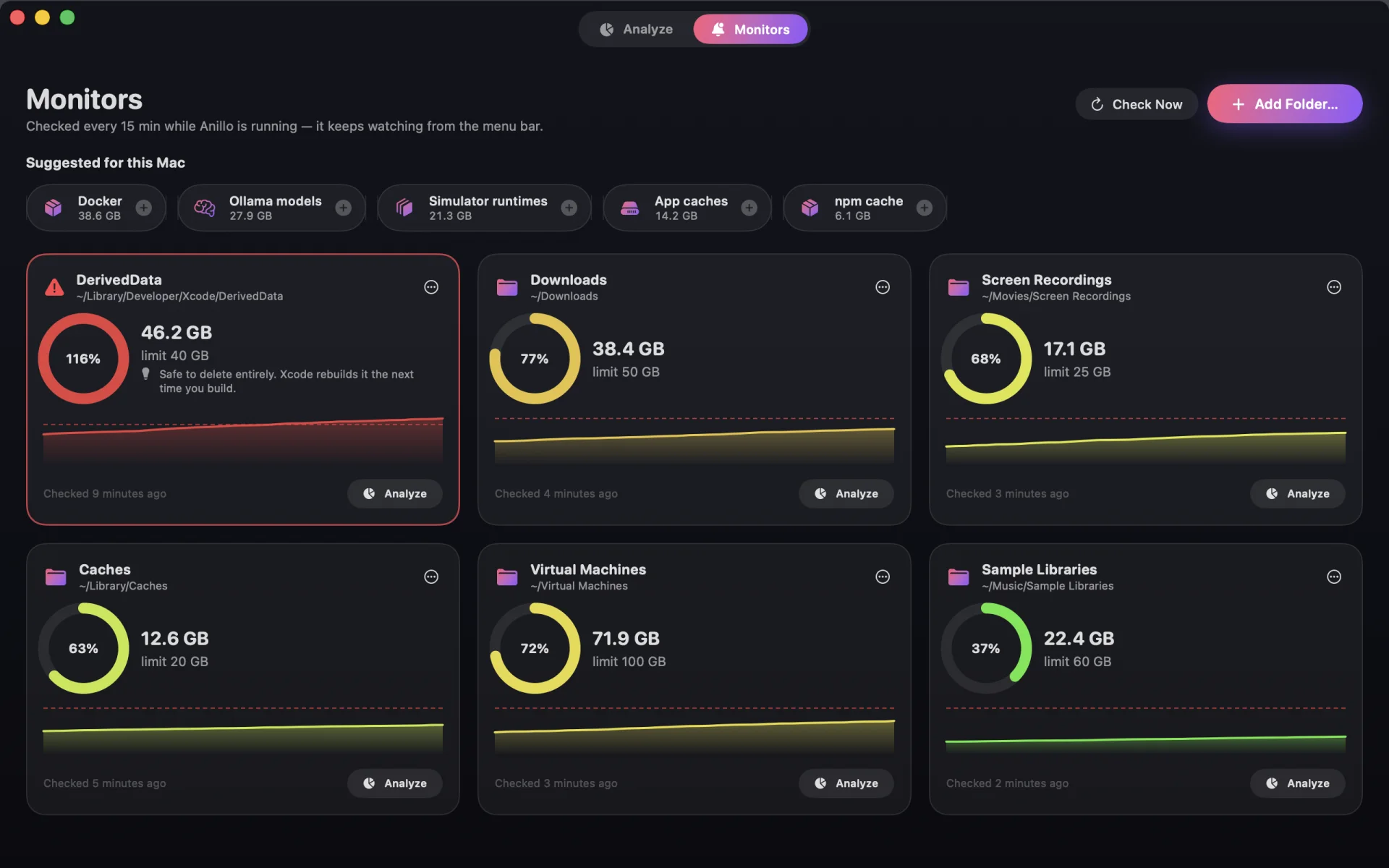
Put a size limit on Downloads, caches, build folders or virtual machines. Anillo measures them in the background and notifies you the moment one crosses the line.
- Growth history for every monitored folder
- Keeps watch quietly from the menu bar
- Can open at login
For developers
Old Xcodes, simulators and node_modules, sorted out.
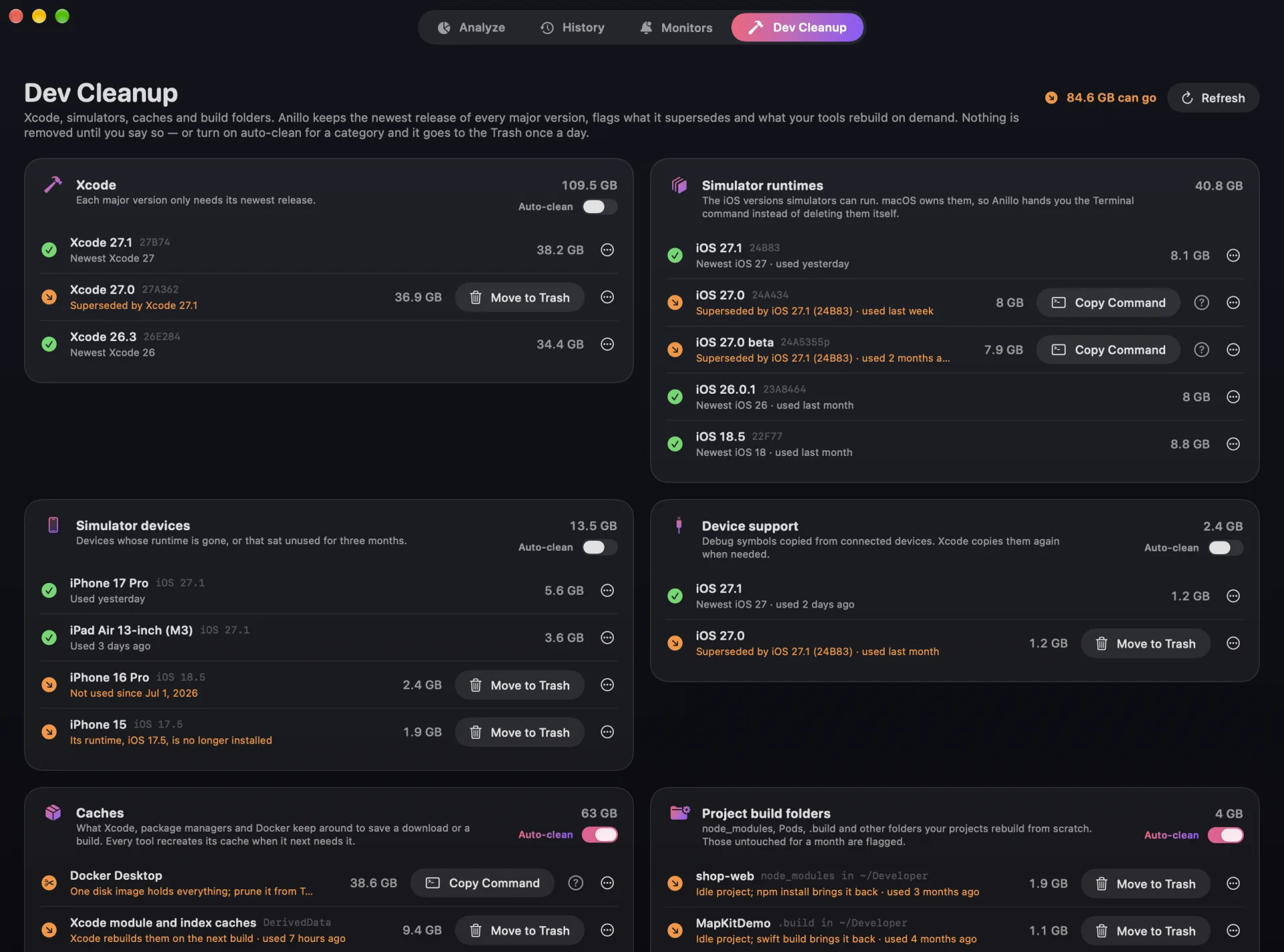
The Dev Cleanup tab finds every Xcode install, simulator runtime and device, tool cache and build folder on your Mac, keeps the newest of each and flags the rest — with a plain explanation of why each one can go.
- Keeps the latest release of every major iOS and Xcode version
- Caches of SwiftPM, CocoaPods, npm, pnpm, Homebrew, Gradle, Cargo and more
- node_modules, Pods, .build and DerivedData of projects you haven’t touched in a month
- Turn on auto-clean per category and it goes to the Trash once a day, with a notification
Fast
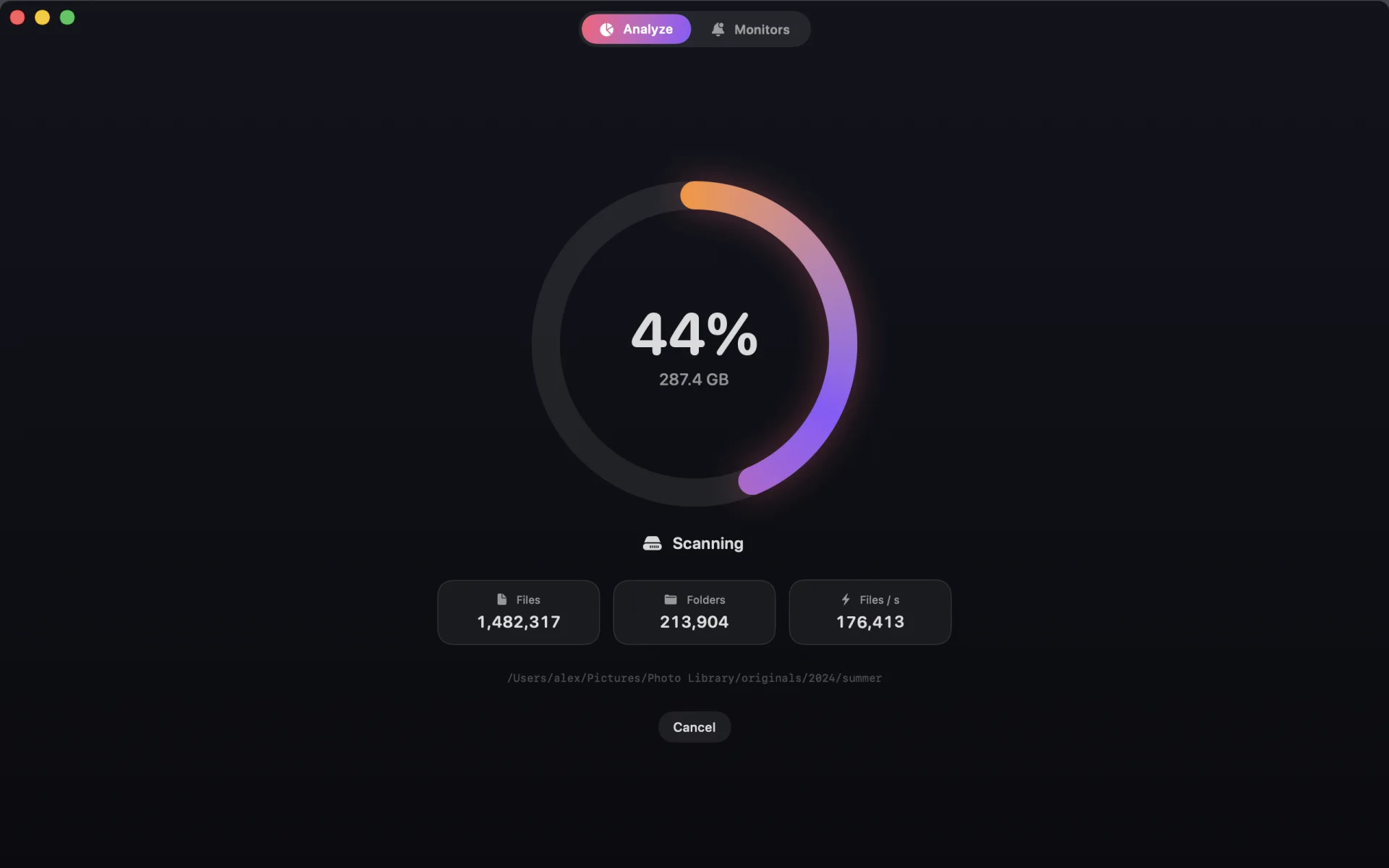
Millions of files in seconds.
A scanner built for APFS uses every core of your Mac and reads whole directories per system call instead of asking about files one by one.
- Light on memory, even with millions of files
- Cloud files that aren’t downloaded stay that way
 Anillo